A workflow is one enquiries board and one bookings board under a name and a colour. Run one for weddings and another for corporate work at the same venue, and the two never mix. An organisation can have up to five, and every organisation starts with one called Default.
Open workflowsWhat a workflow owns
Each workflow keeps its own:
- Enquiry stages and booking stages
- Outcome labels for Lost, Completed and Cancelled
- Pipeline custom fields
- Enquiry forms
- Saved views on both boards
- Questionnaire templates
- Task templates
- Customer email defaults
- Automation rules, unless the rule is set to all workflows
Contacts, packages, templates, members, invoices and everything else stay organisation-wide. An enquiry or a booking belongs to the workflow it was created in and never moves to another one.
Switching between them
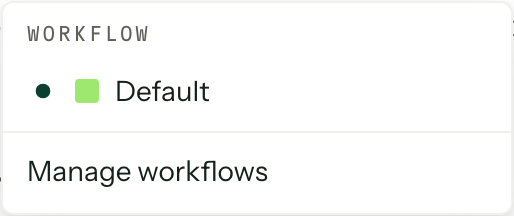
A workflow menu sits beside the title of Enquiries and Bookings. Each board remembers the workflow you had open last, and the address carries it, so a link you paste to someone opens on the board you were looking at.
Add, rename and retire
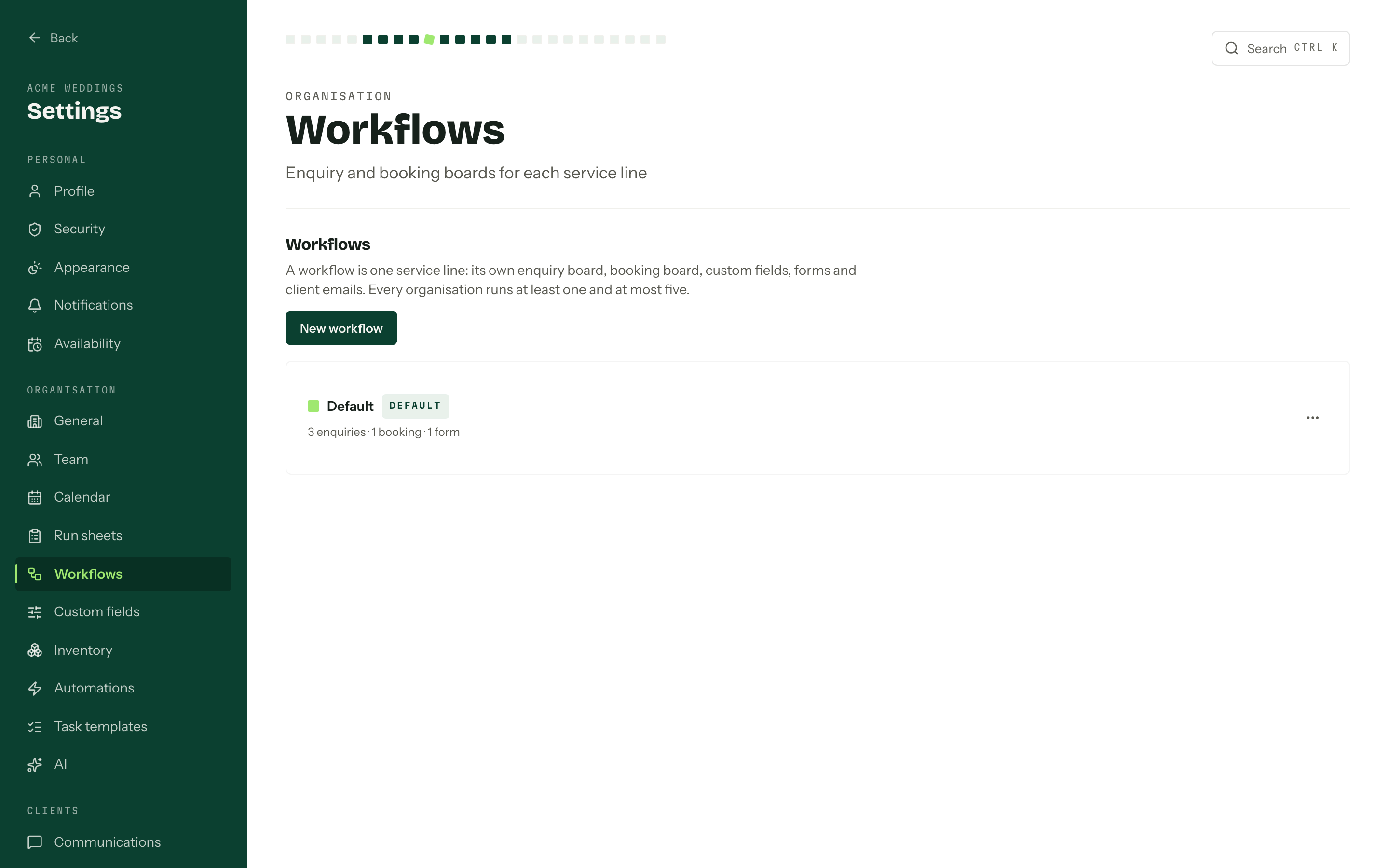
Manage workflows in that menu opens the workflow you are on in Settings. The Workflows link above it, or Settings, Workflows directly, lists every workflow with its colour, its Default badge, and how many enquiries and bookings are sitting in it.
- 01
Press New workflow and give it a name. A colour is picked for you, and you can change it later. Each colour is used once, so the button greys out at five.
- 02
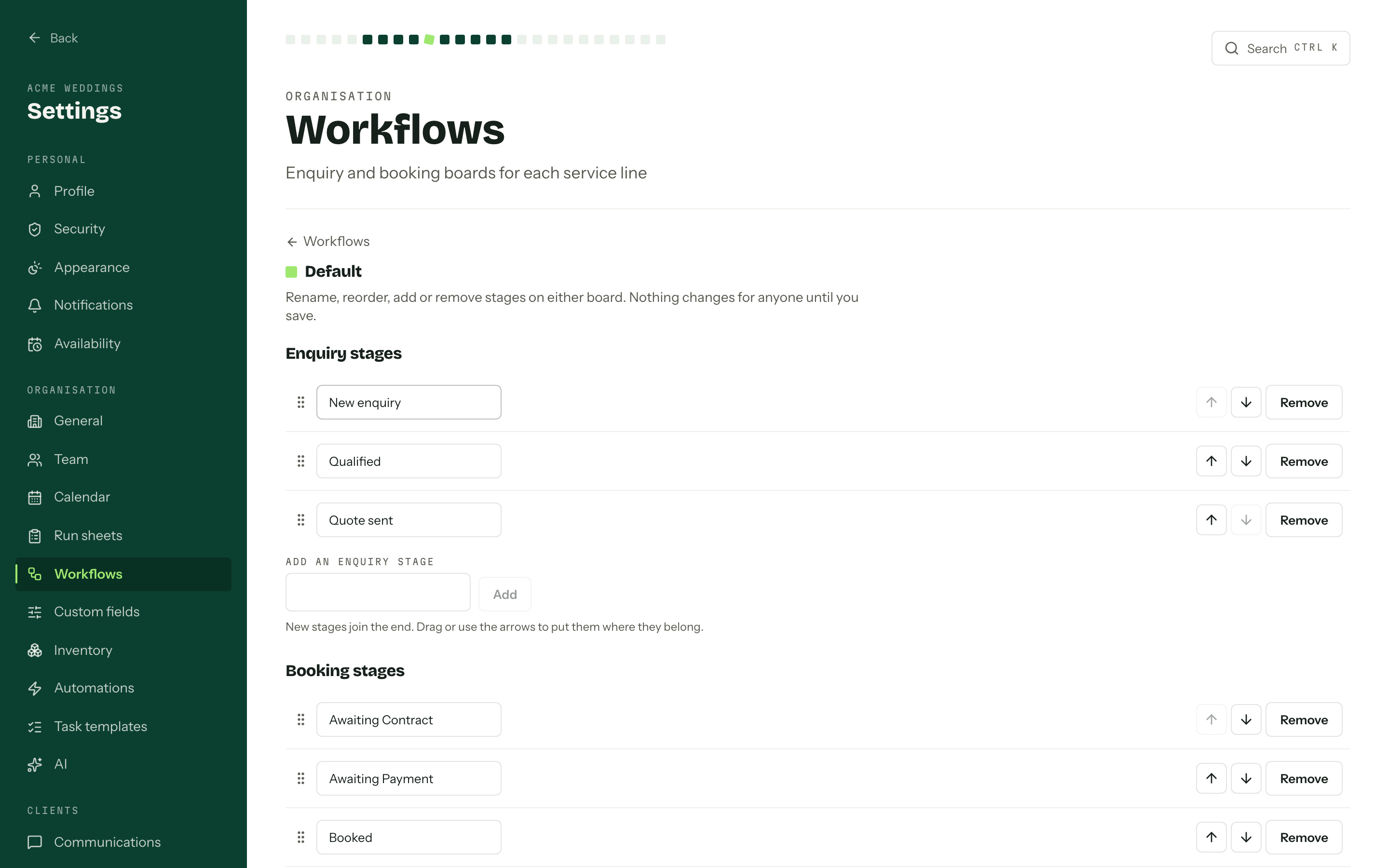
Open it (click its name, or Open boards in its actions menu) to arrange its Enquiry stages, Booking stages and Outcome labels, then press Save. Nothing changes for anyone until you do, and leaving the page with unsaved edits asks first. Removing a stage asks where its cards go, and they move when you save. A stage automation on that stage is switched off and its runs are cancelled.
- 03
The actions menu at the end of each row holds Rename, Change colour and Make default. The default is the one anything created outside a board lands in.
Deleting one is deliberately hard. Arbour refuses while the workflow is the default, while it is the only one you have, while it holds any enquiry or booking in any outcome, or while it still has a live enquiry form, and names every reason at once. Deal with those and Delete, then Delete workflow to confirm, goes through. Its stages, custom fields, archived forms, questionnaire templates, saved views, automation rules and client email defaults go with it, with no undo.
Work never crosses workflows
An enquiry raised in Weddings stays in Weddings, and converting it lands it in a booking stage of that same workflow (the first, unless you pick another). There is no move between workflows, so if something lands in the wrong one, create it again in the right place while it is still young.
Who can do what
Creating, renaming, recolouring and deleting workflows, and editing their stages and outcome labels, all need Manage workflows, stages and automations. Everyone who can see the boards can switch between workflows. See Team and roles.