The map shows where your work is. Every enquiry and booking with an address becomes a pin, so you can see at a glance which weekends cluster around one suburb and which jobs are a long drive out.
Open the map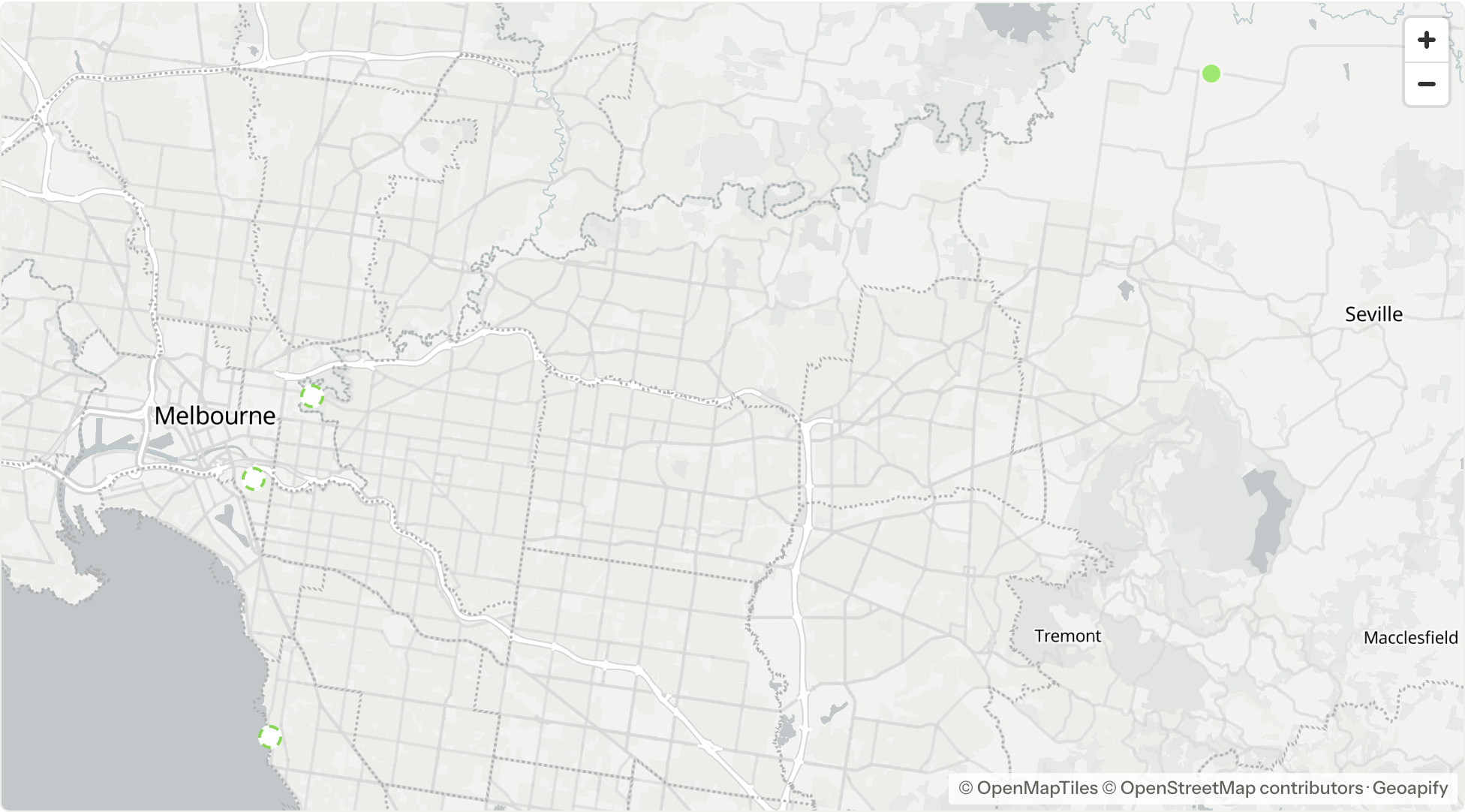
Where the address comes from
Each workflow has one custom field that feeds the map. New workflows use the Venue/location field, and you can pick a different short or long text field under custom fields. Whatever is typed in that field is looked up when it changes and the result is saved, so opening the map never waits on a lookup.
A full street address places a pin most reliably. A venue name on its own can match the wrong place, so add the suburb or postcode when the name is common.
Choosing dates
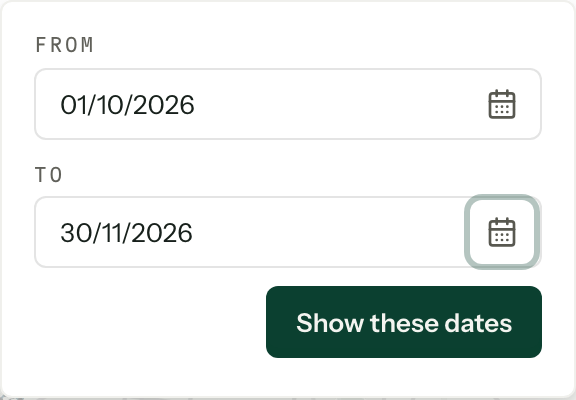
Pick a range from the Dates picker above the map: All dates, Upcoming (today onward), This month, Next 3 months, or Custom dates for any two dates. All dates is the only range that includes records with no date yet. The map remembers which range you last chose in this browser; a custom range is not remembered.
Reading the pins
| Pin | What it is |
|---|---|
| Filled | A booking, in its workflow's colour |
| White, dashed outline | An enquiry, outlined in its workflow's colour |
| Grey | A lost, completed or cancelled record |
| Thin outer ring | An approximate location: the address matched an area, not a building |
Close pins group into a numbered circle in the colour most of them share. Click it to zoom in until they separate. When several records share one venue they stay together however far you zoom, and the circle lists them instead.
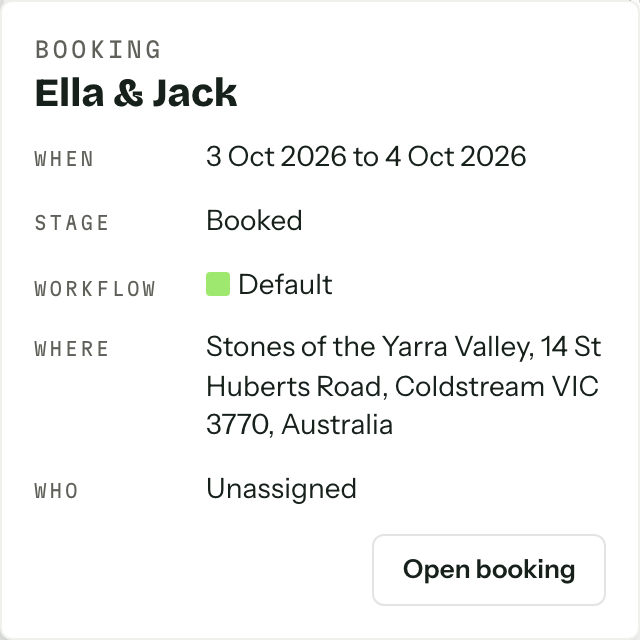
Click a pin for a peek with the dates, stage, workflow, address and who is on it, and open the record from there. The list beside the map holds the same bookings and enquiries in date order: point at a row to light its pin, or click it to fly the map there.
Filters
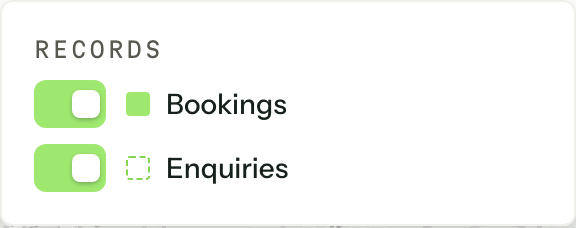
Filters switches bookings and enquiries on and off and, with more than one workflow, each workflow. The Member picker narrows the map to one person's records, or to Unassigned ones if you can see every record. The button says how many switches are off.
The map shows up to 500 records at a time. When more match, a notice above the map says so: narrow the dates or the filters to see the rest.
Not on the map
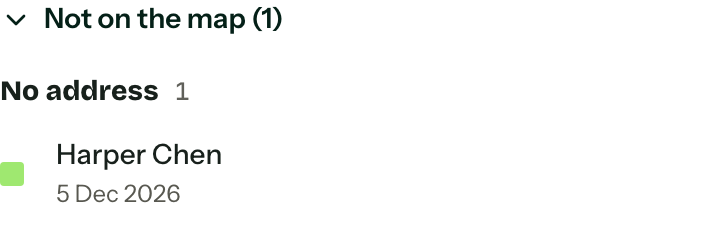
Records the map cannot place are counted in the Not on the map tile and listed under the pins, in three groups.
| Group | What to do |
|---|---|
| No address | Nothing in the workflow's map field yet. Add the venue on the record. |
| Couldn't be located | The address did not match anywhere. The row shows what was typed; add a suburb or postcode. |
| Locating | The address is new or just changed and is being looked up. It appears shortly. |
If a workflow has no field feeding the map, a note above the list names it. Anyone who can manage custom fields can follow it to choose one.