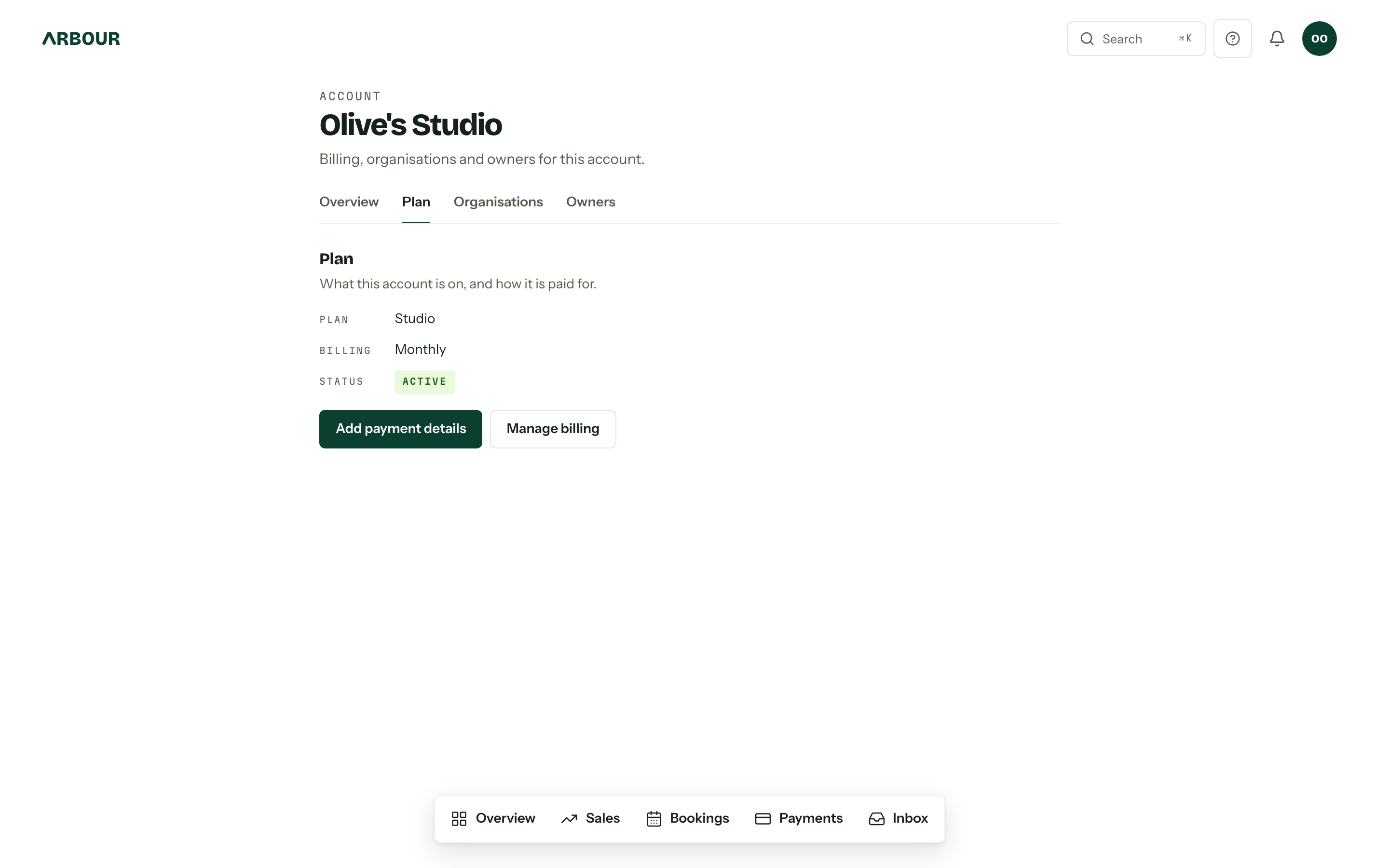
The account is the thing that pays. It sits above your organisations, holds the card, the plan and the trial, and is reached from the avatar menu under Account settings. The Plan tab is the subscription itself: what you are on, what state it is in, and the two doors into Stripe.
The plans
| Plan | Organisations | People | Webhooks | Monthly | Yearly |
|---|---|---|---|---|---|
| Solo | 1 | 1 | no | $89 | $890 |
| Studio | 3 | 8 | yes | $129 | $1,290 |
| House | unlimited | unlimited | yes | by arrangement | by arrangement |
Prices are Australian dollars and include GST. Yearly is ten months for the price of twelve: pay for the year and save two months.
The people figure counts distinct people across every organisation in the account, plus pending invitations to addresses nobody is already counted for. An owner who holds no membership anywhere does not count. Solo has room for one person, so there is nobody to invite.
Studio and House also include one active custom client portal domain per organisation, with one pending replacement. Solo does not include custom domains. Set one up in Client portal settings.
Extra seats
Studio grows past eight. Invite more than seven people at sign-up and the wizard adds the seats you need, and lets you add spares. Afterwards, on the Plan tab, Seats takes a number of extra seats at $19 a month each, or $190 a year on the yearly plan, and the limit moves the moment you save. The seats go onto your existing subscription and Stripe prorates the change onto your next invoice. You cannot drop below the people already in the account: remove them or their pending invitations first. While you hold extra seats the billing portal offers neither Solo nor a switch between monthly and yearly; set the seats to zero, change, then add them back.
Webhooks are included on Studio and above. On Solo the webhooks section still shows, with a note about where they are included, and the automation editor leaves out the "Call a webhook" step. API keys are on every plan.
House is our enterprise plan, arranged by hand: unlimited seats, priority support, onboarding done for you and priority feature requests. Email support@usearbour.com. Its Plan tab offers no buttons and says to email support instead.
The trial
A new account gets 14 days, no card. The plan chosen at sign-up applies from day one, limits and all.
Subscribe now does not cut the trial short. It attaches a card, and the subscription starts billing when the trial ends, which is why the tab names the date. One trial per person, ever: if you have already used yours, a second account starts read only until a card is on it.
Changing plan
Change plan or payment details opens Stripe's billing portal for the card, billing address, billing cycle and plan.
The portal only lists plans the account can actually move to. A plan whose limits sit under what you are already using is left out entirely, so if Studio is running three organisations, Solo is not on the menu. The same goes for webhooks and extra seats: while any organisation in the account has a webhook endpoint or an automation that calls one, or the account holds extra seats, Solo is not offered. Delete or consolidate first, then downgrade; the Plan tab says what is in the way.
Custom domains also block a move to Solo, including setups still waiting for DNS or activation. Disconnect every pending, ready and active domain across the account first. Domains showing Disconnecting no longer block the downgrade.
If the account moves to Solo through an earlier billing session or a change made outside Arbour, custom domains pause and new portal links use the Arbour address. The saved setups remain in Client portal settings. Upgrade to Studio to restore them, or disconnect them there. Existing Arbour links keep working.
Invoices live in Stripe
Every tax invoice and receipt, with Arbour's ABN on it, is in the billing portal under the account's billing history. The console does not keep a second copy.
When a payment fails
The status turns to Payment failed and a line gives you the date full access runs to: seven days from the failure. Every owner gets an email. Pay the outstanding invoice in the portal, or attach a working card with Add payment details, and the account is active again the moment Stripe says so.
Let those seven days pass and the account goes read only. Nothing is deleted, and the way back is the same card. See Read-only accounts.
The banner
Anyone working in an organisation whose account needs attention sees a banner at the top of the console: trial ending, payment failed, or read only. Owners get the Add payment details button on it. Everyone else gets the first name of an owner to chase, since they cannot fix it themselves.
The trial and payment-failed banners dismiss for an hour, long enough to get through the afternoon. The read-only one stays.